User Attribute Mapping
User attribute mapping allows you to map information from the Identity Provider response document to easily understandable attributes. For this to work, VC Hub must already have a valid Identity Provider configuration that returns a response document when attempting to log in.
Configuring User Attribute Mapping
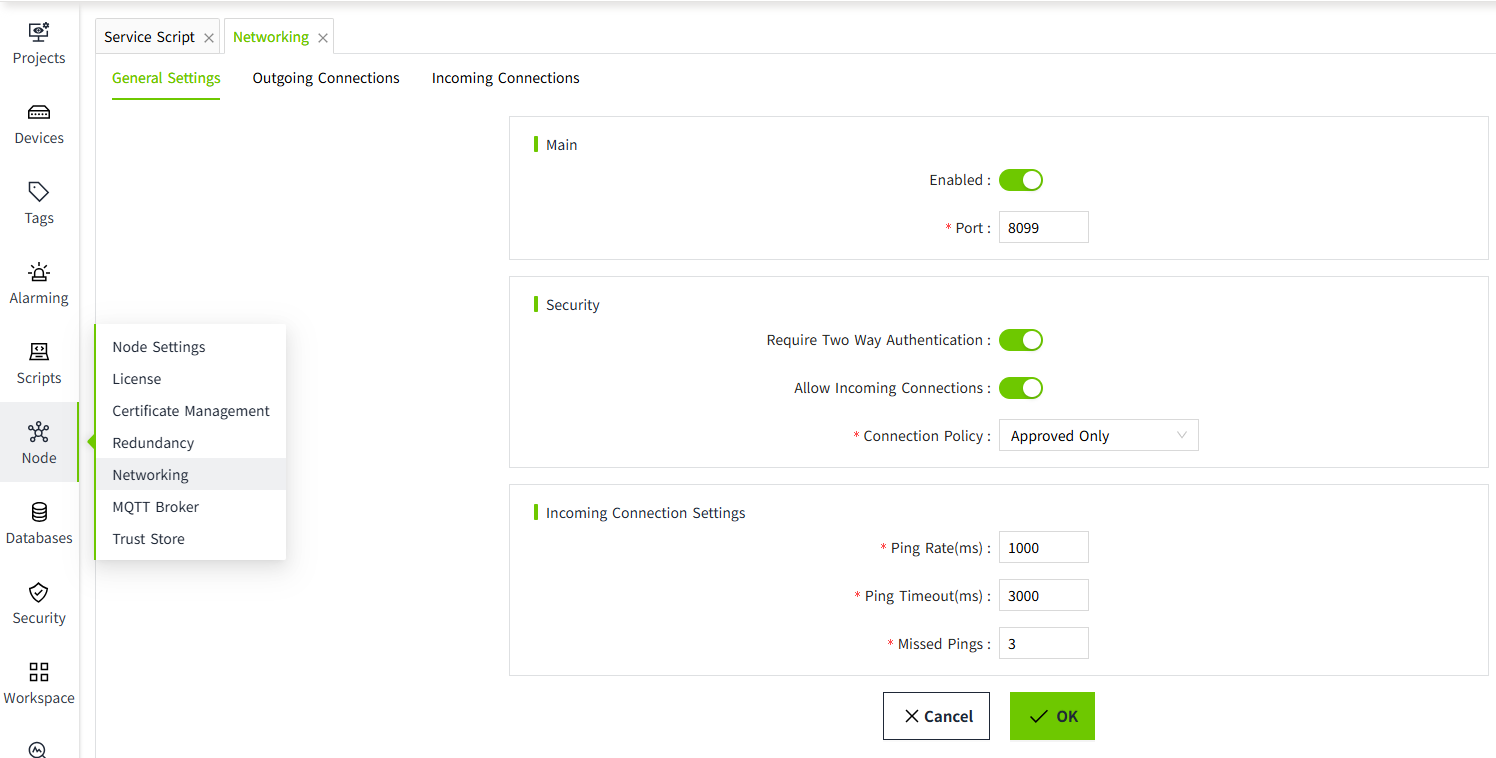
- Click the "Security" → "Identity Provider" menu.
- In the Identity Provider list, click the "User Attribute Mapping" for a specific entry in the action column.
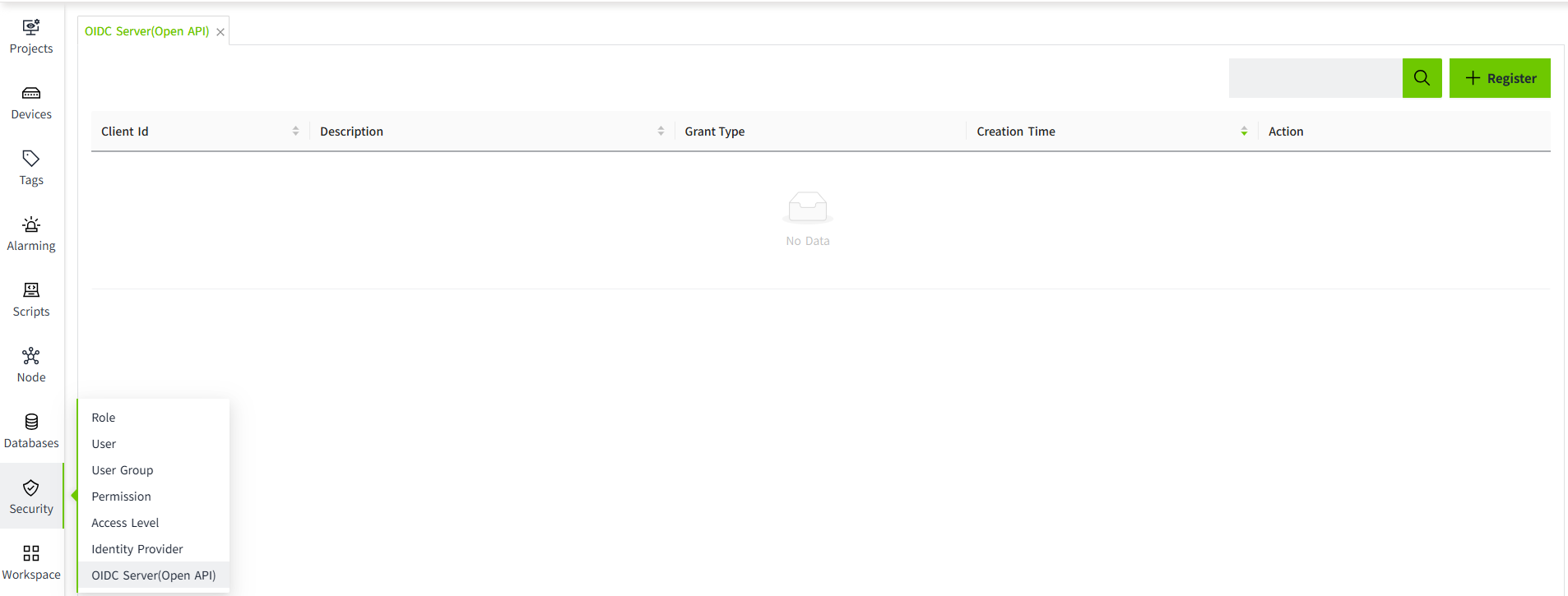
- In the pop-up window, set the source and mapping path. The system provides the following 5 properties that can be used for mapping:

Properties
| Name | Description |
|---|---|
| Username | Mapping for username. |
| Role | Mapping for role. |
| Name | Mapping for name. |
| Mapping for email. | |
| Phone | Mapping for phone. |
| Source | The mapping includes the following: - ID Token Claims: These are the claims in the ID token used to represent the user's identity information. They typically include attributes like, name, email, etc. - Token Endpoint Response: This is the response from the token endpoint, which typically includes the Access Token, ID Token, and Refresh Token. These tokens are used to authenticate and authorize the user. - User Info Claims: These claims contain detailed user attributes such as name, email, profile picture, and other personal information. These are usually returned by the Identity Provider when querying the UserInfo Endpoint. |
| Mapping Path | It is typically used to map the user information returned by the Identity Provider to the local system's user model, ensuring that the application can correctly identify and authorize the user. |
4.Click the "OK" button to complete the setup.
Example
- Assume the ID Token returned by the Identity Provider contains the following information:
{
"username": "alex",
"email": "alex@example.com",
"user_roles": "admin"
"name": "Alex Zhang"
}
2.The mapping paths can be set as follows:
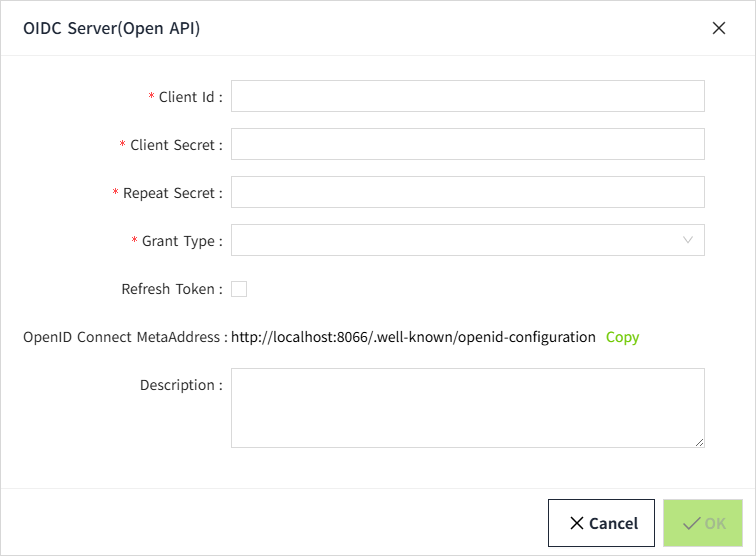
username→ The local username(username)email→ The local email(email)user_roles→ The local role(role)name→ The local name(name)
3.In VC Hub, the end-user information is mapped as follows:
{
"username": "alex",
"email": "alex@example.com",
"role": "admin"
"name": "Alex Zhang"
}