Integrates with OAuth0
Auth0 is a flexible, drop-in solution to add authentication and authorization services to web applications and mobile applications. It provides a secure and scalable identity platform that supports a wide range of identity providers, such as username/password, social logins (Google, Facebook, etc.), enterprise logins (Active Directory, SAML), and passwordless options.
VC Hub is compatible with OpenID Connect (OIDC) and can seamlessly integrate with Auth0.
-
Navigate to the OAuth offical page( https://auth0.com/ ), the clcik the "Sign up" button
-
Signup with email address or social account such as Microsoft, Google and Github
-
Sign in with new account, and navigate the dashboard.
-
Click the menu "Applications->Applications" to open the application management page.
-
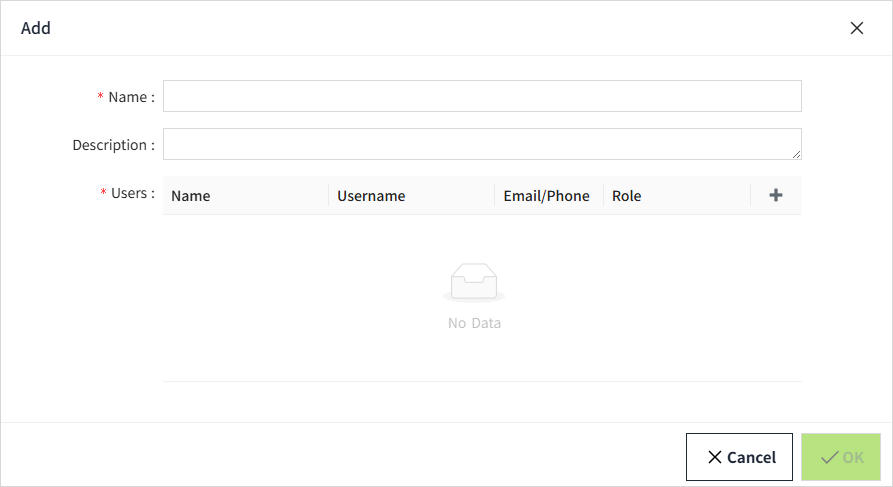
Click the "Create Application Button", then a Create application form popup. There are 4 application type to be selected. VC Hub uses Authorization Code of OIDC protocol, the corresponding application type is the "Regular Web Applications" type.
-
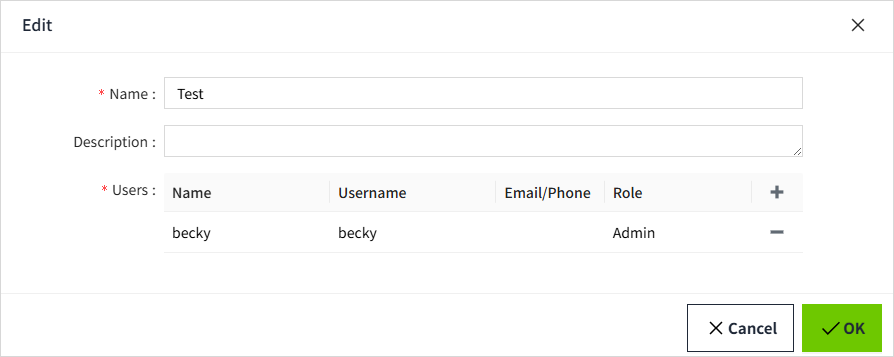
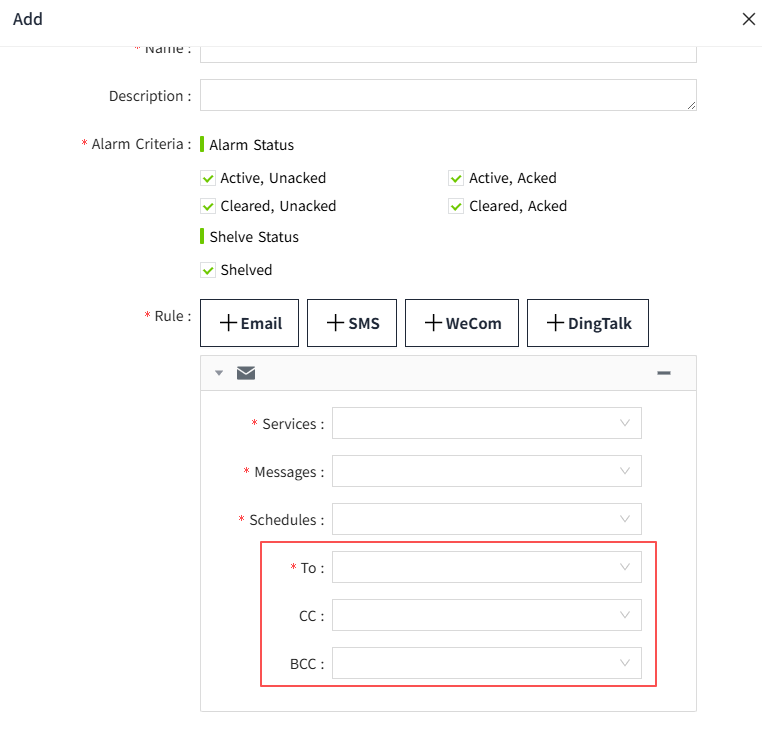
Click the "Create" button, then navigate the application detail page, then enter the "Allowed Callback URLs" and "Allowed Logout URLs". The callback URL of SCADA is https://{vchub-host}/api/oidc/callback/signin, and the logout url is https://{vchub-host}/api/oidc/callback/signout. The callback URL can be copied from the identity provider form.
-
Copy the Client ID, the Client Secret and the Domain from the application detail page of OAuth, then enter these data into the identity provider form.
-
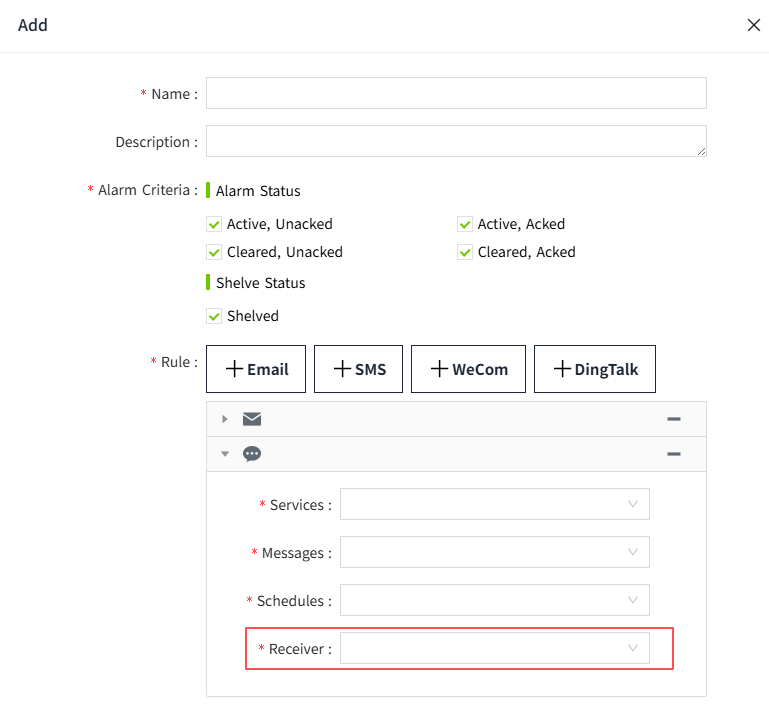
Navigate to the identity provider management page on VC Hub and click the "Add" button to open the identity provider creation form, then fill the form the "Client ID" and "Client Secret". And fill the URL field with the value which is composed of the Domain copied from from the previous step and the path /.well-known/openid-configuration

-
After completing the above steps, you can login with this identity provider now.