Redundancy
VC Hub supports master and backup, which means that two identical devices are running at the same time, one device is the master node and the other is the backup node. The configuration of the two nodes needs to be identical (you need to manually import the data from the master node to the backup node), see Redundancy->Redundant configuration synchronization for details.
Network communication between master and backup nodes
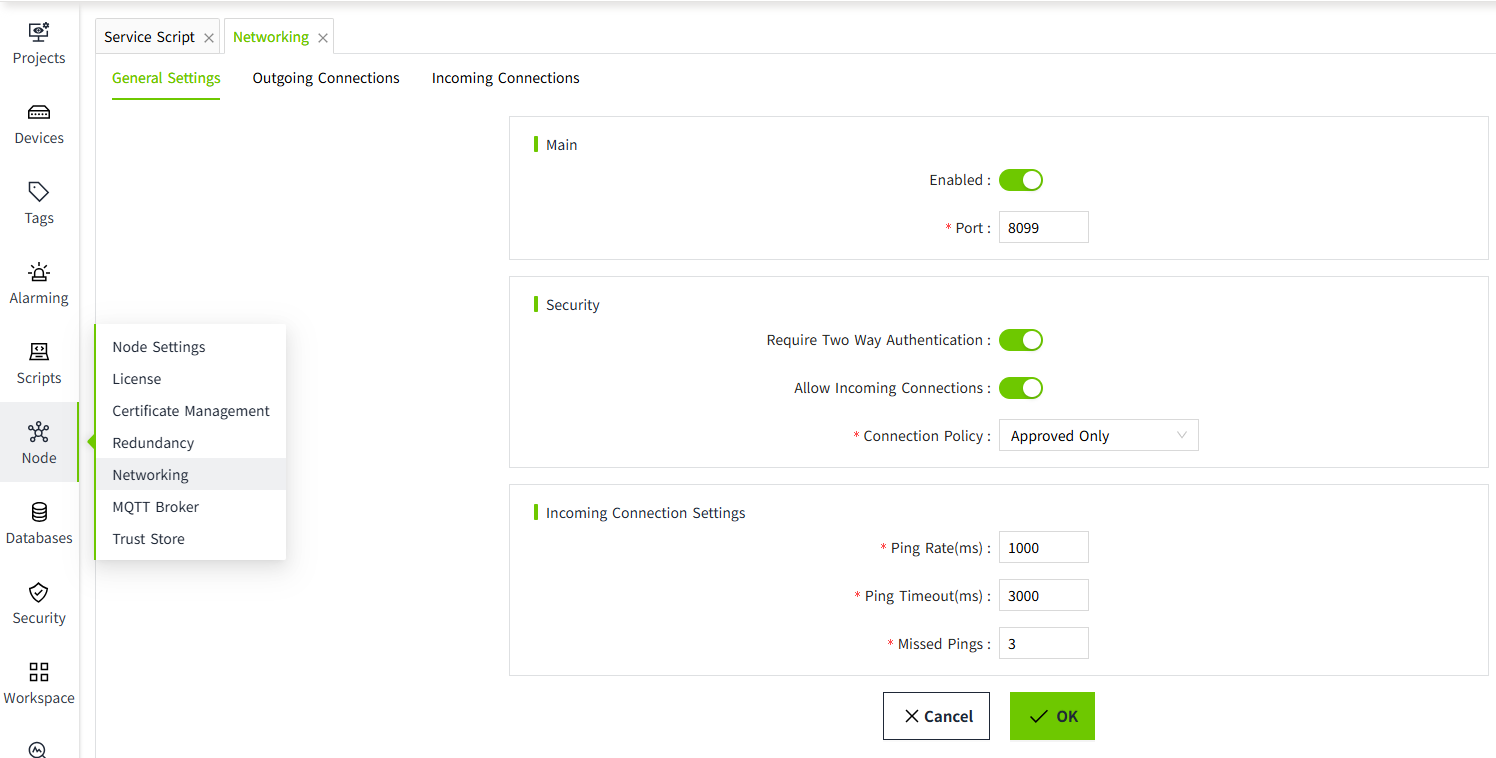
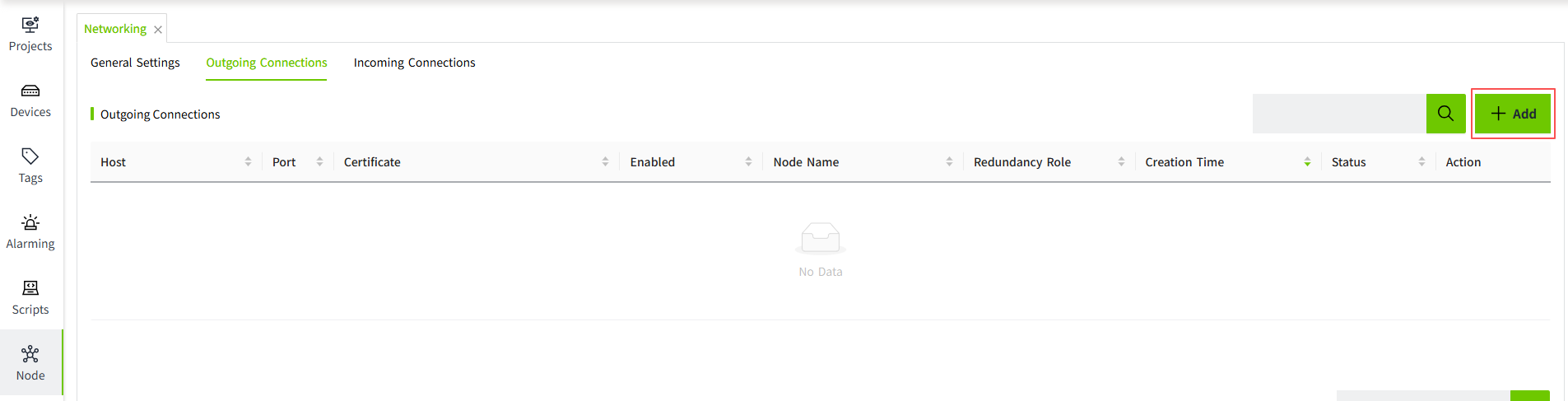
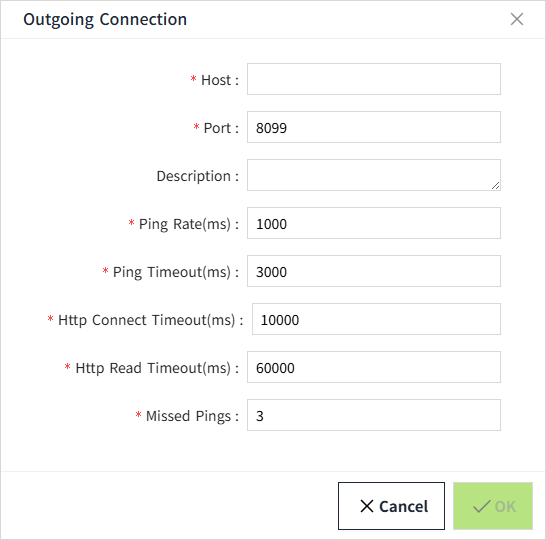
The master and backup nodes will communicate with each other via TCP/IP. The master node will listen to port 8099 (8099 is the default port, which is configurable). The backup node establishes a connection to port 8099 on which the master node is listening.
Status Monitoring
You can see the real-time redundancy status in the redundancy configuration interface.
The status of the current node and the redundant nodes includes the following categories.
| Node Status | Description |
|---|---|
| Running | Running, the default state of the master node. |
| Standby | Standby state, the default state of the standby node, when the master node is down, the standby node will switch to Running state. |
| Faulted | Faulted state, the state of the redundant node on the standby node when the standby node cannot establish a redundant connection with the master node. |
| Unknown | Unknown state, the state of the redundant node is not obtained, for example, the redundant node is in the startup state. |
| Disconnected | The status of the redundant node on the master node will be displayed as 'Disconnected' when the master node starts up and no backup node is connected to it. |
Redundant node authorization:
| Node Authorization | Description |
|---|---|
| Unknown | No authorization information for the redundant node has been obtained. |
| Match | The authorization modules of the licenses of the primary and backup nodes match. |
| Mismatch | The authorization modules of the licenses of the primary and backup nodes do not match. |
Runtime Data Synchronization
The master and backup nodes synchronize real-time data at runtime, including tags and alarms. The master and backup nodes will first perform a full synchronization when they first establish a connection, and then continue to perform incremental synchronization.
Switching between master and backup
Automatic switchover
- Machine A is set as the primary server and Machine B is set as the backup server. On the Redundancy Configuration page for Machine A, select Automatic for the recovery method.
- Machine A and Machine B form a redundancy. The node state of Machine A is Running and the node state of Machine B is Standby.
- Machine A goes down during operation, at which time Machine B becomes Running and the state of Machine A becomes Faulted.
- Machine A returns to normal, the state of Machine A changes to Running and Machine B is in Standby.
Manual switchover
- Machine A is set as the primary server and Machine B is set as the standby server. On the Redundancy Configuration page for Machine A, select Manual for Recovery.
- Machine A and Machine B form a redundancy. The node state of Machine A is Running and the node state of Machine B is Standby.
- Machine A goes down during operation, at which time Machine B becomes Running and the state of Machine A becomes Faulted.
- Machine A returns to normal, but the state of Machine A is still Standby and Machine B is Running.
- On the "Networking" -> "Redundancy" page of Machine A, click the "Switch" button.
After the switchover, machine A returns to the Running state and machine B returns to the Standby state. - If you continue to click the "Switch" button at this point, Machine A will change back to Standby state and Machine B will change back to Running state.
Important Notes
- Since historical data is stored according to the node name, after configuring redundancy for two nodes, the node name of the redundant node must be changed to the node name of the primary node. Otherwise, the standby node will not be able to query the historical data transferred from the primary node.
- If a network connection has been established between the primary and standby nodes, it is strongly recommended to remove the network connection between the two nodes to avoid potential unforeseen errors.