InfluxDB Table Schema
InfluxDB Table Schema Overview Unlike conventional relational databases, InfluxDB adopts a measurement-based model rather than a table-based schema. Its data structure is optimized for time-series data, which includes timestamped metrics and events. Key differences include:
- Measurements: Equivalent to tables, but designed to store time-series data.
- Tags: Indexed metadata used for filtering and grouping; similar to indexed columns.
- Fields: Actual data values; not indexed, optimized for write performance.
- Timestamps: Every record is time-stamped, forming the core of InfluxDB’s data model.
Measurement
After configuring the InfluxDB database connection and using it within the historical database, when the tag is enabled for historical data, data will be written to InfluxDB. The VC Hub system will automatically create the corresponding Measurement internally.
tag_{HistoryDatabaseName}_{NodeName}
The Measurement name in the tag history database starts with tag_. HistoryDatabaseName refers to the name of the historical database configured for the asset to which the tag is bound. NodeName represents the name of the node where the historical data is generated.
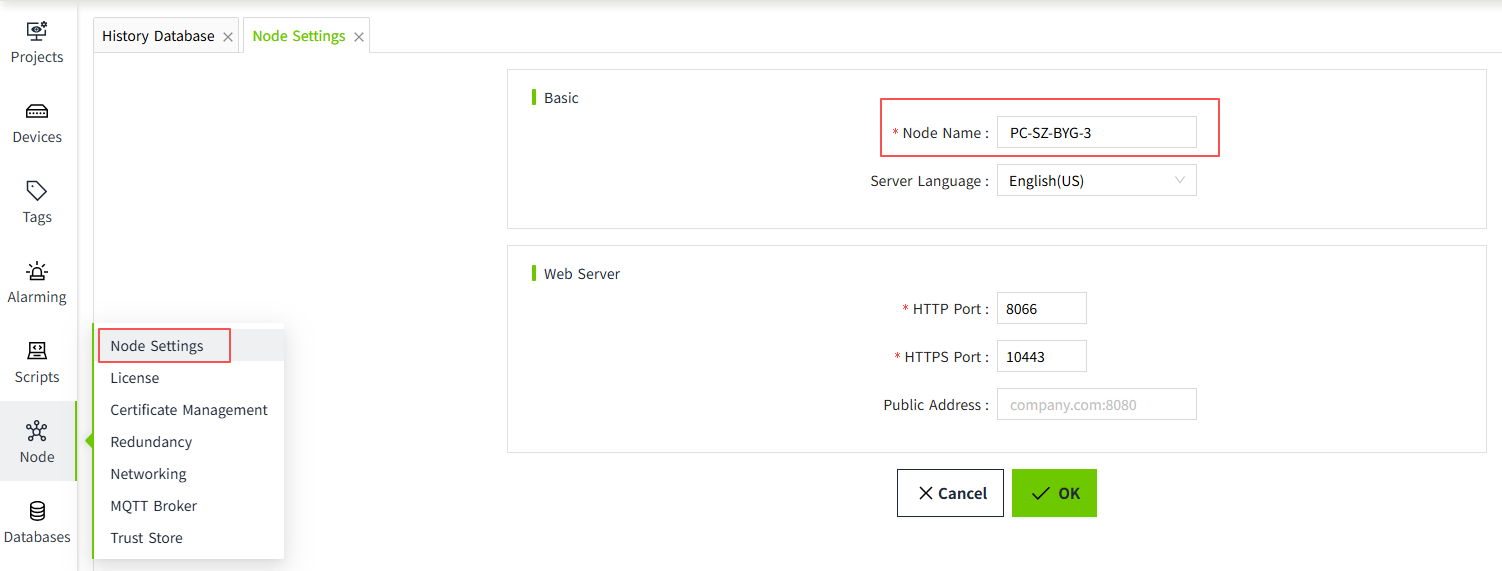
For example, if the tag name is HistoryAsset:Device.record, and the asset bound to this tag is named HistoryAsset, then by checking the historical database configured for HistoryAsset, let's assume the database name is InfluxDbHistory, and the VC Hub system's node name is PC-SZ-JJG, the resulting Measurement name in InfluxDB would be: tag_InfluxDbHistory_PC-SZ-JJG
| Column Type | Column Type | Value Type | Description |
|---|---|---|---|
| P | Tag | string | Tag name |
| T | Tag | string | Value-type numeric string 1: Integer 2: String 3: Double 4: Boolean 5: DateTime |
| Q | Field | Integer | The value of Quality |
| IV | Field | Integer | When T = "1", the column stores the corresponding value; otherwise, it is set to Null. |
| DV | Field | float | When T = "3", the column stores the corresponding value; otherwise, it is set to Null. |
| BV | Field | boolean | When T = "4", the column stores the corresponding value; otherwise, it is set to Null. |
| BIV | Field | integer | When T = "4", the column stores the corresponding value: true is stored as 1, false as 0; otherwise, the column is set to Null. |
| DTV | Field | string | When T = "5", the column stores the corresponding value; otherwise, it is set to Null. The time will be converted to UTC and then formatted as a string in the yyyy-MM-ddTHH:mm:ss.fffZ format; otherwise, it will be stored as Null. |
| SV | Field | string | When T = "2", the column stores the corresponding value; otherwise, it is set to Null. |