SMS(Twilio)
This configuration is used to set up the SMS sending service for alarm notifications. Through this configuration, you can send alarm notification messages through the SMS service provided by Twilio. For details on how to apply for Twilio's SMS service and pricing, please refer to this link.
Create SMS (Twilio) Service
- Click "Alarming" -> "Alarm Notifications" -> "Services" to open the "Services" list page.
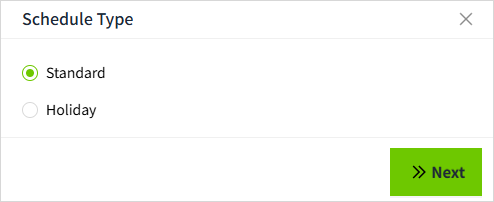
- Click the "Add" button. In the new pop-up window, select "SMS(Twilio)".
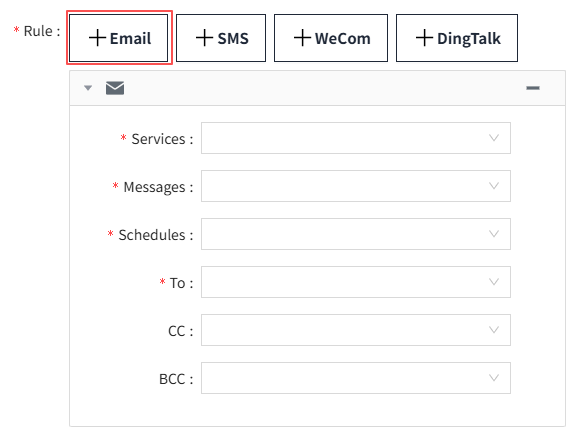
- Click "Next" to enter the detailed configuration window.
Properties
| Name | Description |
|---|---|
| Name | Notification service name. |
| Description | Notification service description. |
| Account SID | Twilio account ID. |
| Auth Token | Twilio authorization token. |
| Phone Number | Phone number purchased from Twilio. |
References
Communication APIs for SMS, Voice, Email & Authentication | Twilio
Programmable Messaging | Twilio
How to use the Twilio Notification Service
- Click on "Alarming" -> "Alarm Notifications" -> "Rules" to enter the notification rules list page.
- Click the "New" button in the upper right corner of the list.
-
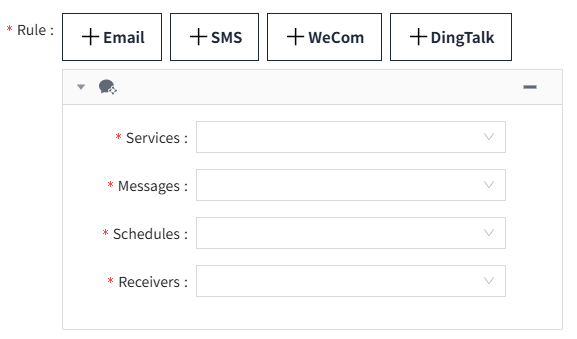
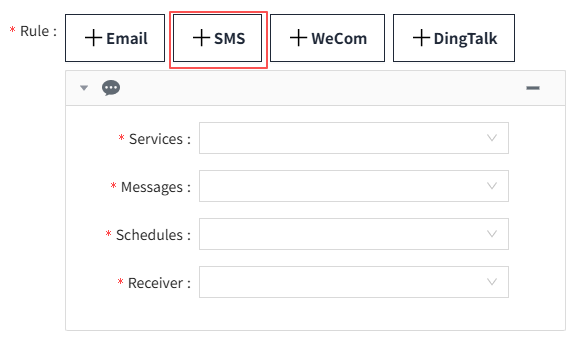
In the pop-up window, click the '+SMS' button to add a new SMS notification rule.In the notification service dropdown, select the previously created notification service.