SMS(Ali Cloud)
Used to configure the SMS sending service for alarm notifications.
Create SMS (Ali Cloud) Service
- Click "Alarming" -> "Alarm Notifications" -> "Services" to open the "Services" list page.
- Click the "Add" button. In the new pop-up window, select "SMS(Ali Cloud)".
- Click "Next" to enter the detailed configuration window.
- Once the setup is complete, click the "Confirm" button.
Properties
| Name | Description |
|---|---|
| Name | Notification service name. |
| Description | Notification service description. |
| AccessKey ID | Alibaba Cloud Service Access Key ID (applied from Alibaba Cloud). |
| AccessKey Secret | Alibaba Cloud Service Access Key Secret (applied from Alibaba Cloud). |
| Endpoint | SMS Service Region Address |
References
FAQ about AccessKey pairs - Resource Access Management - Alibaba Cloud Documentation Center
Endpoints - Short Message Service - Alibaba Cloud Documentation Center
How to use the Ali Cloud Notification Service
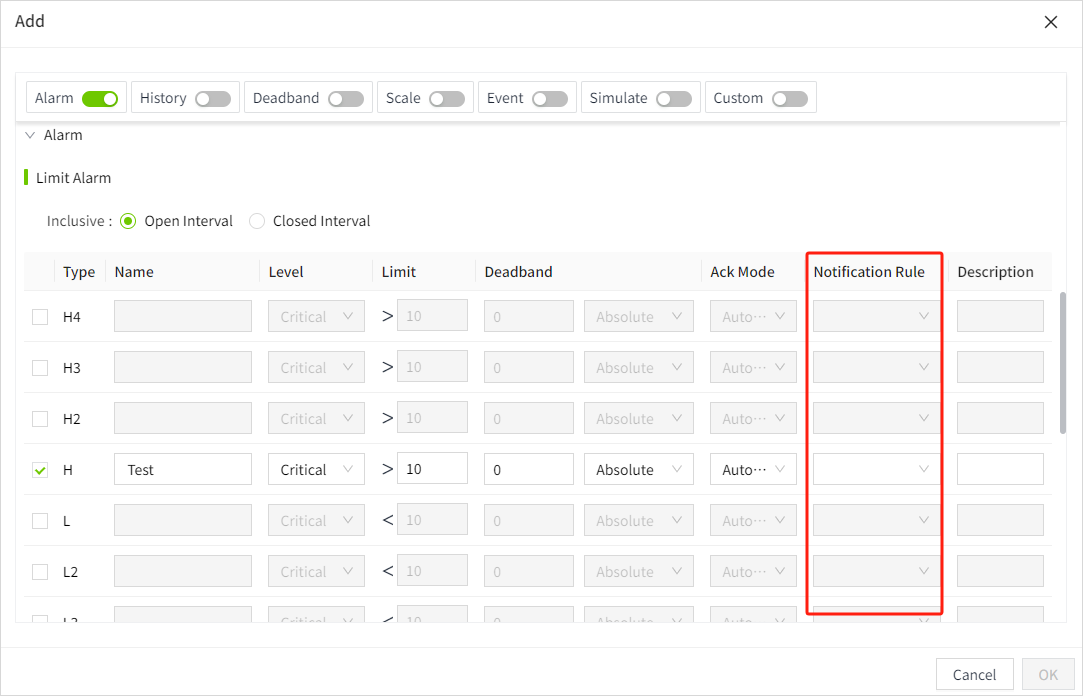
- Click on "Alarming" -> "Alarm Notifications" -> "Rules" to enter the notification rules list page.
- Click the "New" button in the upper right corner of the list.
-
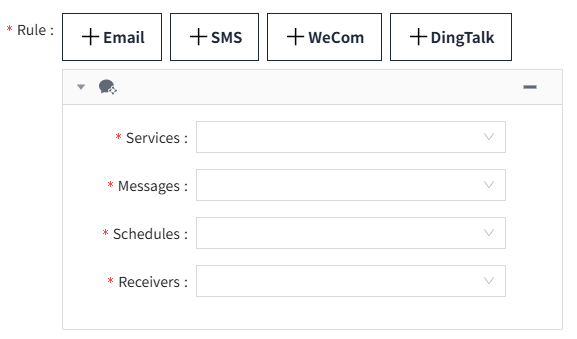
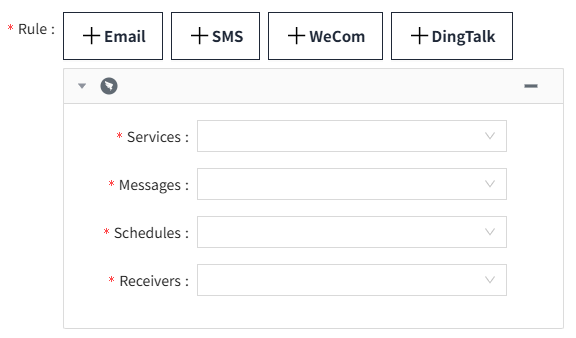
In the pop-up window, click the '+SMS' button to add a new SMS notification rule.In the notification service dropdown, select the previously created notification service.