Expression Function
What is an expression function?
Expression functions are predefined functions that can be called in multiple places within a project. When you execute an expression function, you can pass parameters to it to get the execution result, which helps avoid writing the same logic repeatedly.
Expression functions are located under Project > Function in the editor.
Create Expression Function
To create an expression function, right-click on the "Expression Function" node under "Function" and select "Add".
Note:In use, Expression function is referred to by name, so all references to the expression function need to be updated when renaming. Property
| Name | Description |
|---|---|
| Description | Description of expression function. |
| Script | Note: - An expression function must contain one and only one export function. The name of this export function serves as the name of the expression function. - Names of expression functions must be unique across all functions. - If needed, non-export functions can be defined within the expression function, but they cannot be called by external scripts. - The name displayed in the list corresponds to the name of the export function. - Expression functions only support the two system functions tag and property. All functions under the System namespace are not supported. - Expression functions and page functions are independent of each other and cannot call one another. |
Where can expression functions be used?
In any property binding interface that supports Expression, you can access expression functions through the ExpressionFunction namespace.
Example: Tank alarm level determination
-
Create an expression function named
getTankAlarmLevelwith the following script// @param {number} level - Current level // @param {number} maxLevel - Maximum level // @returns {number} Alarm level: 0-Normal, 1-Warning, 2-Alarm export function getTankAlarmLevel(level: number, maxLevel: number) { if (level >= maxLevel * 0.9 || level <= maxLevel * 0.1) { return 2; // Alarm } else if (level >= maxLevel * 0.8 || level <= maxLevel * 0.2) { return 1; // Warning } return 0; // Normal } -
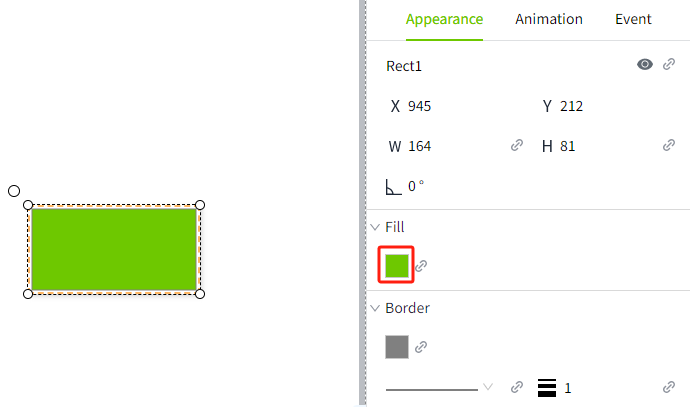
Add a rectangular control to the page, click the bind button of background color, and bind the expression property. The script is as follows: