Set Value
Assign the values of properties on the same page to tags.
Example
Assign the width of the rectangle to the tag: memory.
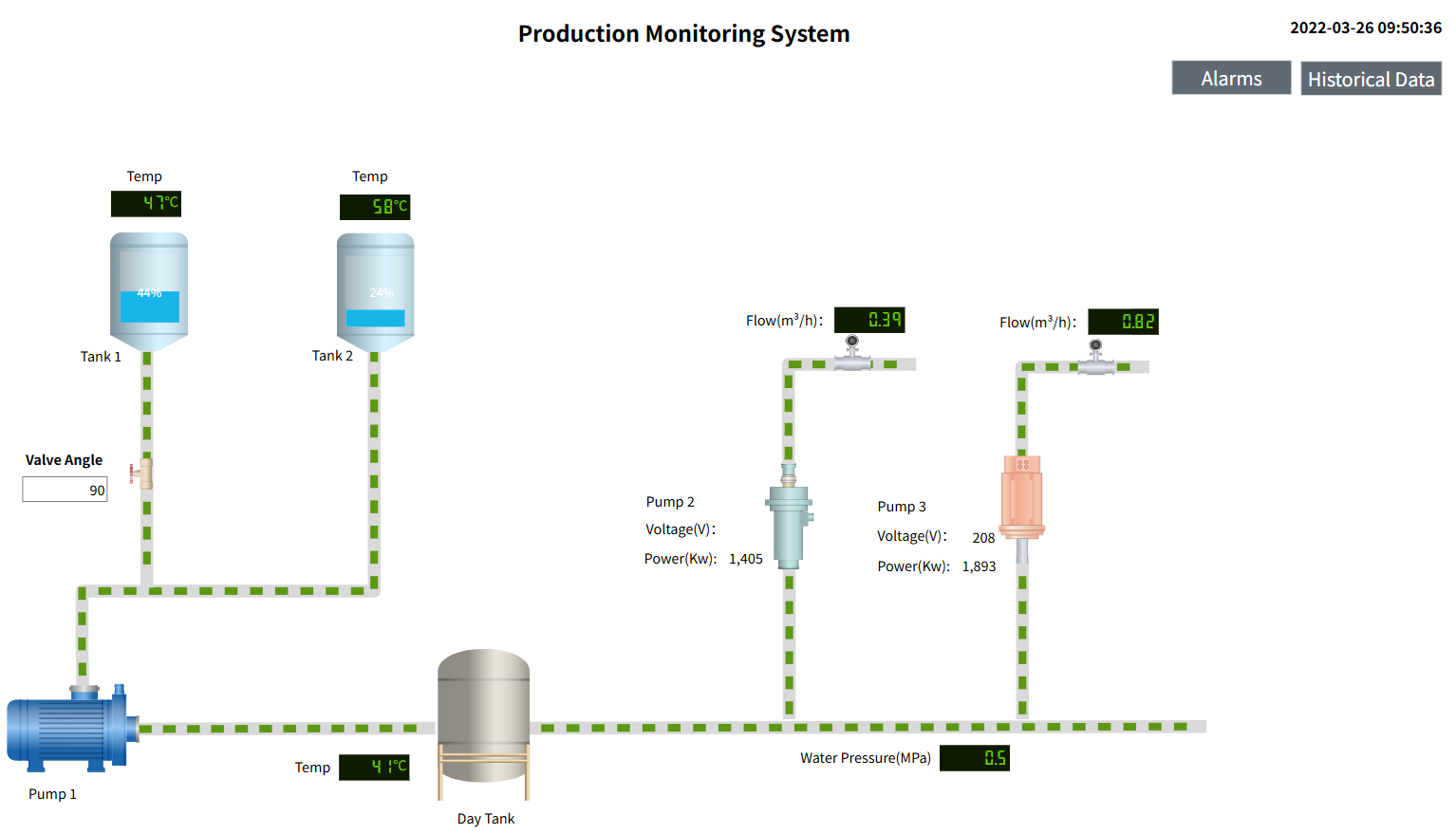
- Draw a rectangle control and a value display control on the page.
- Value display control binding tag: memory.
- On the rectangular control, set the event and select the mouse pressed event.
- Turn on the "Enable" button and select "Set Value" as the operation type.
- Enter the tag path in "Tag" or click the binding icon after the tag and select the tag: Default.memory from the tag selector.
- Click the binding icon behind "New Value" and select the width property of the rectangle in the pop-up properties window.
- Security group is not set.
- Click the "OK" button.
- Click the "Preview" button on the page to view the running effect.
Note: Manual input is also supported in the text boxes for tags and new values.