Event
Trigger other operations or programs in the system in response to a specific event.
In VC Hub, configure specific events in the "Event" column of the page or control.
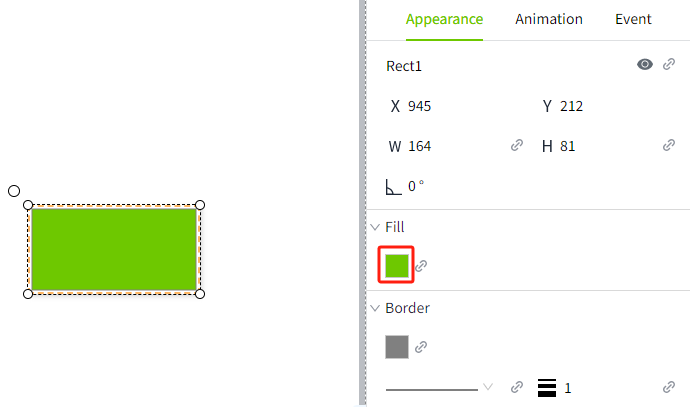
How to trigger an event
Specific events can be triggered by the following events.
Mouse Event
All controls support mouse events.
Mouse events refer to triggering specific events when the user uses the mouse to operate the page or controls. Include:
- Pressed
- Released
- Entered
- Exited
Property Change
When the value of the control's properties (currently only the value property is supported) changes, a specific event is triggered.
Property change events are supported only for the following controls:
- Dropdown
- Text Input
- Slider
- Datetime Input
- Number Input
- Label
- Value Display
- LED Display
- Checkbox
- Radio Button
Lifetime
All controls support lifetime events.
When a page or control is loaded or destroyed, a specific event is triggered.